Most advice about who viewed my profile on LinkedIn is backward. It treats the viewer list like the prize, when it's really just residue from everything else you did well.
The better question isn't “How do I see every person who checked me out?” It's “What did I do that made the right people click?” Profile views are useful, but they're a lagging indicator. They usually show up after a strong comment, a sharp post, a recruiter search, a referral, or a moment when your profile positioning finally matched the audience you wanted.
If you obsess over the list without fixing the inputs, you stay passive. If you improve the inputs, the list becomes more valuable because the people on it are more relevant. That's the frame serious operators use. They care less about vanity, more about whether profile views turn into conversations, demos, interviews, or partnerships. A strong LinkedIn personal branding growth guide starts there.
Table of Contents
- Why Profile Views Are Only Half the Story
- How to See Who Viewed Your Profile and What It Means
- The Rules of Visibility and Private Mode
- How to Convert Profile Views Into Opportunities
- How to Attract the Right Viewers to Your Profile
- Frequently Asked Questions About Profile Views
Why Profile Views Are Only Half the Story
People search “who viewed my profile on LinkedIn” because they want certainty. Fair enough. A name on a viewer list feels like proof that somebody noticed you.
But the list doesn't tell the full story. It doesn't tell you which comment sparked the click, which post built trust before the click, or which positioning choice made a recruiter pause and open your profile. That's why treating profile views as the endpoint leads to shallow decisions.
What the metric actually tells you
A profile view usually means one of three things happened:
- Your activity created curiosity. Someone saw your comment, post, or mention and wanted context.
- Your profile matched intent. A recruiter, buyer, partner, or peer found enough relevance in your headline or name to investigate further.
- Your network created discovery. A mutual connection, shared conversation, or off-platform mention pushed them to look you up.
That makes profile views useful, but only as a signal after the fact.
Practical rule: If profile views rise but qualified conversations don't, your visibility improved but your positioning or follow-up didn't.
Why the wrong viewers waste your attention
A bigger viewer count can still be low quality. Passive browsers, accidental clicks, and loosely relevant people don't move pipeline or careers. The right viewers do.
That's why experienced LinkedIn users focus on inputs they can control:
| Input | What it influences | What good looks like |
|---|---|---|
| Comments | Discovery | Relevant people click your profile after seeing your perspective |
| Headline | Conversion to click | A clear role and value proposition |
| About section | Conversion after click | A fast explanation of what you do and who you help |
| Follow-up | Outcome | Conversations start without sounding forced |
The smartest way to use who viewed my profile on LinkedIn is to stop seeing it as a scoreboard. Use it as feedback. If strong prospects keep showing up, your engagement strategy is working. If random traffic shows up, your reach may be broad but misaligned.
How to See Who Viewed Your Profile and What It Means
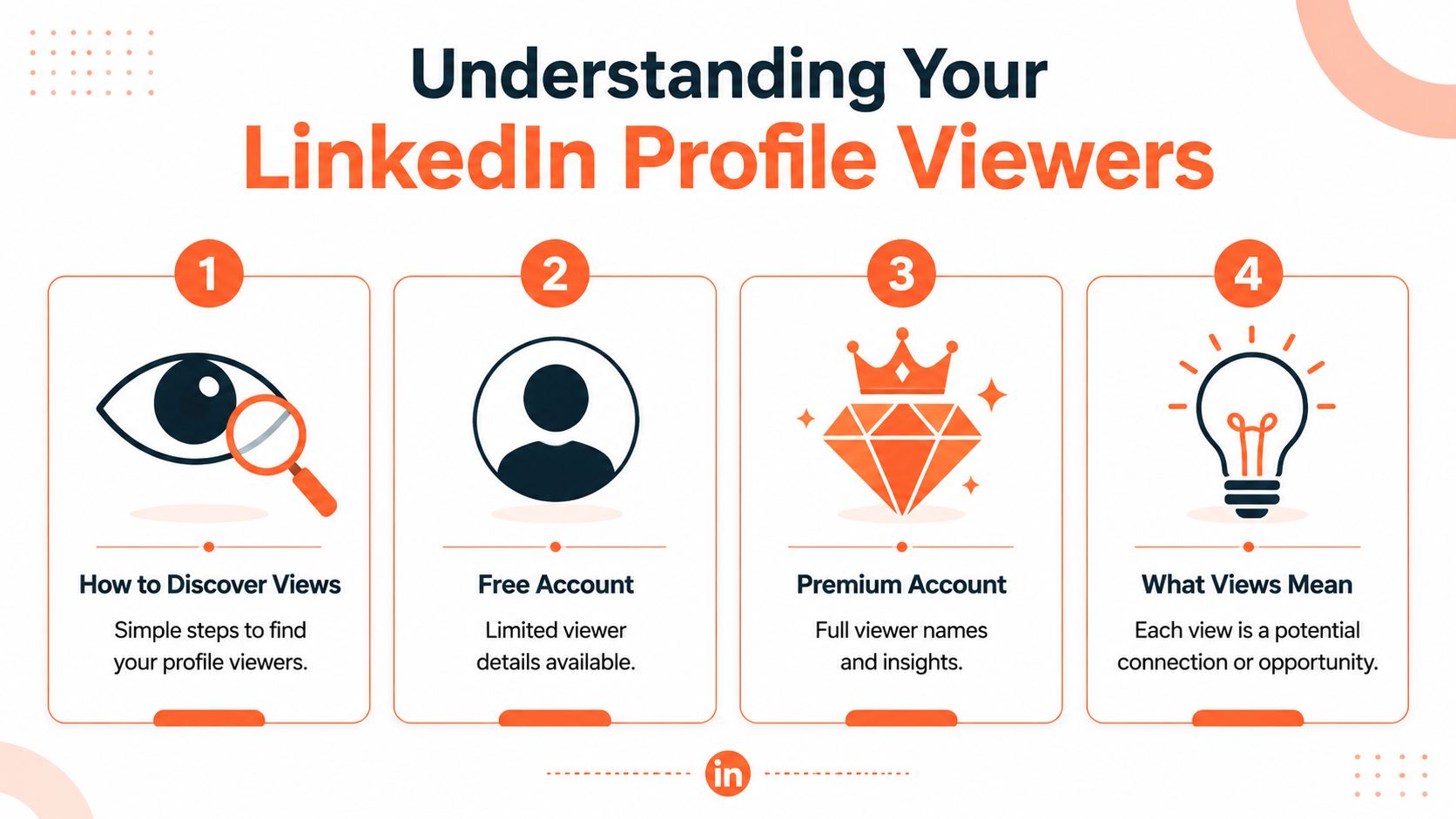
If you want the mechanics first, LinkedIn keeps the feature easy to find. On your profile page, there's an Analytics section. Click the profile views link under that section to see recent visitors and, when available, details like industry, location, and job title for viewers who weren't in Private Mode, as described in this explanation of LinkedIn profile viewer analytics.
Where to find it
On desktop, the common path is simple:
- Open your profile
- Find the Analytics section
- Click the profile views link
On mobile, the placement can shift slightly with app updates, but the feature lives on your profile rather than buried in some obscure reporting menu.
The key point is interpretation, not just access. Looking at your viewer list is like looking through a keyhole. You see something useful, but your account tier and the viewer's privacy settings determine how much of the room you can inspect.
To make that clearer, watch the interface in action:
Free versus Premium
The biggest difference is visibility depth. LinkedIn's free account tier restricts visibility to only five recent viewers within the last 90 days, while Premium reveals all viewers in the past three months and broader trend data about industries and locations, according to Hyperclapper's breakdown of LinkedIn profile views. That same source notes free users could be missing up to 95% of their viewer data if they exceed the five-viewer limit.
Here's the practical comparison:
| Account type | What you can see | What you miss |
|---|---|---|
| Free | The latest five recent viewers within 90 days | Older individual identities beyond that limit |
| Premium | All viewers from the past three months, subject to viewer privacy settings | Identities of people who chose anonymity |
| Any tier | Some details for visible viewers, such as professional context | Full identity for private viewers |
A few things matter more than people think:
- Recency matters. The five people you can see on a free plan are often the freshest signals.
- Trend data matters differently. Premium is more useful if you're analyzing audience patterns over time.
- Privacy still wins. If someone used Private Mode, no plan reveals their identity.
The list is informative, not complete. LinkedIn shows enough to guide action, not enough to remove uncertainty.
So yes, you can answer “who viewed my profile on LinkedIn.” Just don't confuse “what LinkedIn shows me” with “everyone who looked.”
The Rules of Visibility and Private Mode
Most confusion stems from a misunderstanding. People assume privacy settings are one-way. They aren't. LinkedIn built this feature around reciprocity.
What your viewing setting changes
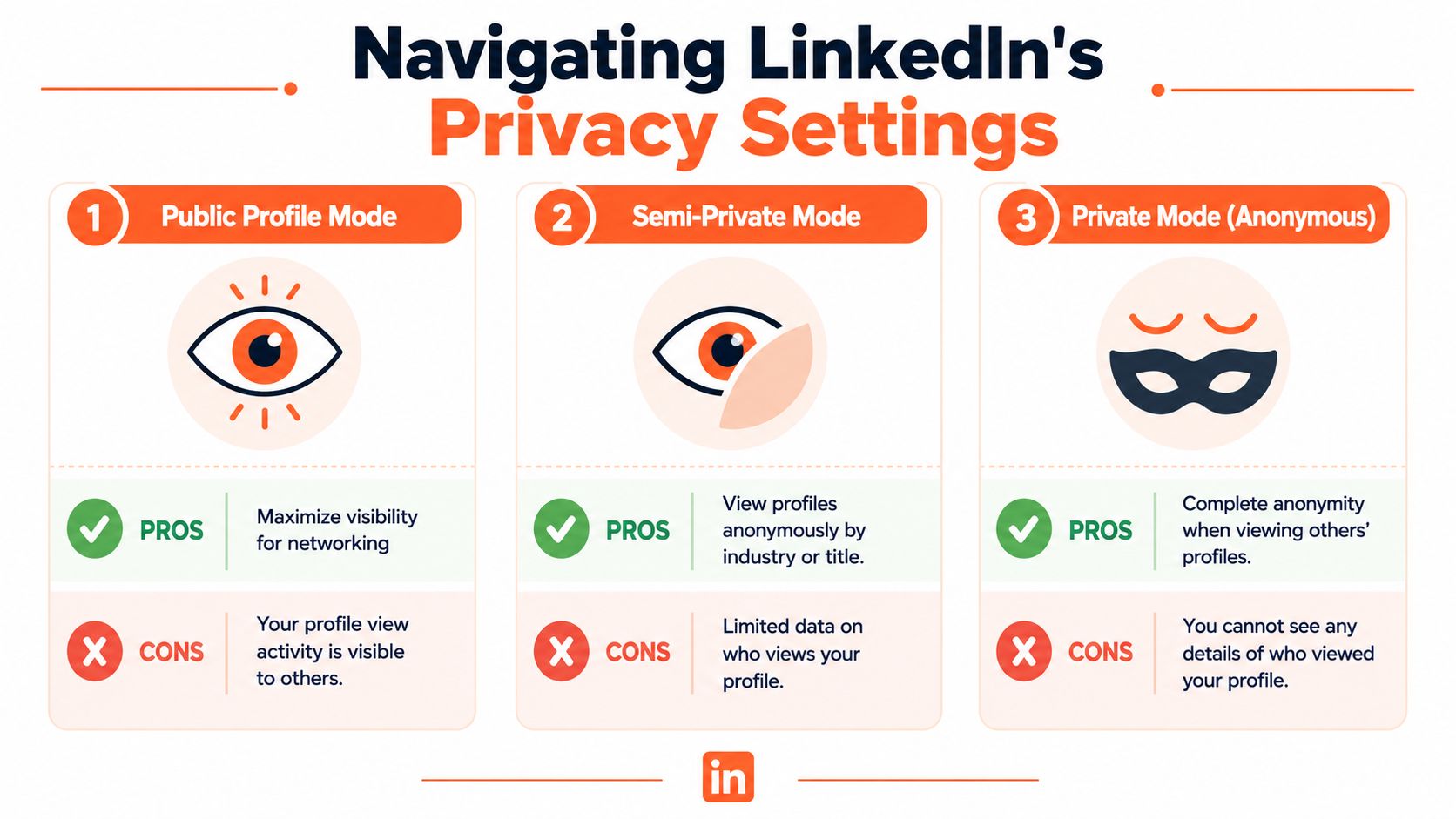
LinkedIn gives you different ways to appear when you visit other profiles. In practice, users think about them as three levels:
- Public viewing. Your name and headline are visible.
- Semi-private viewing. You appear with partial professional context, such as a role or industry label.
- Private Mode. You show up as an anonymous LinkedIn member.
The trade-off is strict. LinkedIn operates on a reciprocity protocol where enabling Private Mode hides your identity but also removes your ability to see who viewed your own profile, as described in this discussion of LinkedIn's privacy reciprocity and search behavior.
That design changes behavior. If you want viewer intelligence, you have to accept that your own profile visits can be visible too.
Searching is not the same as clicking
A second misconception causes a lot of noise. People treat searching for a name and clicking a profile as the same action. They're not.
The same Reddit discussion notes that searching for a name without clicking can trigger a weekly notification to people with that name that “one person viewed your profile,” but it does not reveal the searcher's identity. That's different from profile clicks, which are governed by your viewing settings.
This leads to a weird stealth paradox:
| Action | Can it create a signal | Can it reveal your identity |
|---|---|---|
| Search a name only | Yes, sometimes a vague weekly notification | No |
| Click a profile in public mode | Yes | Yes |
| Click a profile in semi-private mode | Yes | Partially |
| Click a profile in Private Mode | Yes | No |
That distinction matters if you're researching prospects, candidates, or competitors.
If you want to browse quietly, use Private Mode. If you want the benefit of viewer data on your own account, accept the visibility trade-off.
A lot of bad advice on who viewed my profile on LinkedIn ignores this rule and acts like anonymity has no cost. It does. Private browsing is useful, but it cuts off one of the more actionable feedback loops LinkedIn gives you.
How to Convert Profile Views Into Opportunities
A profile view is not a lead. It's a signal. Treat it like one and you'll make better decisions.
The mistake is reacting to every view with the same canned message. That's how people end up sounding needy, creepy, or automated. The better approach is triage.
Treat recent viewers like warm signals
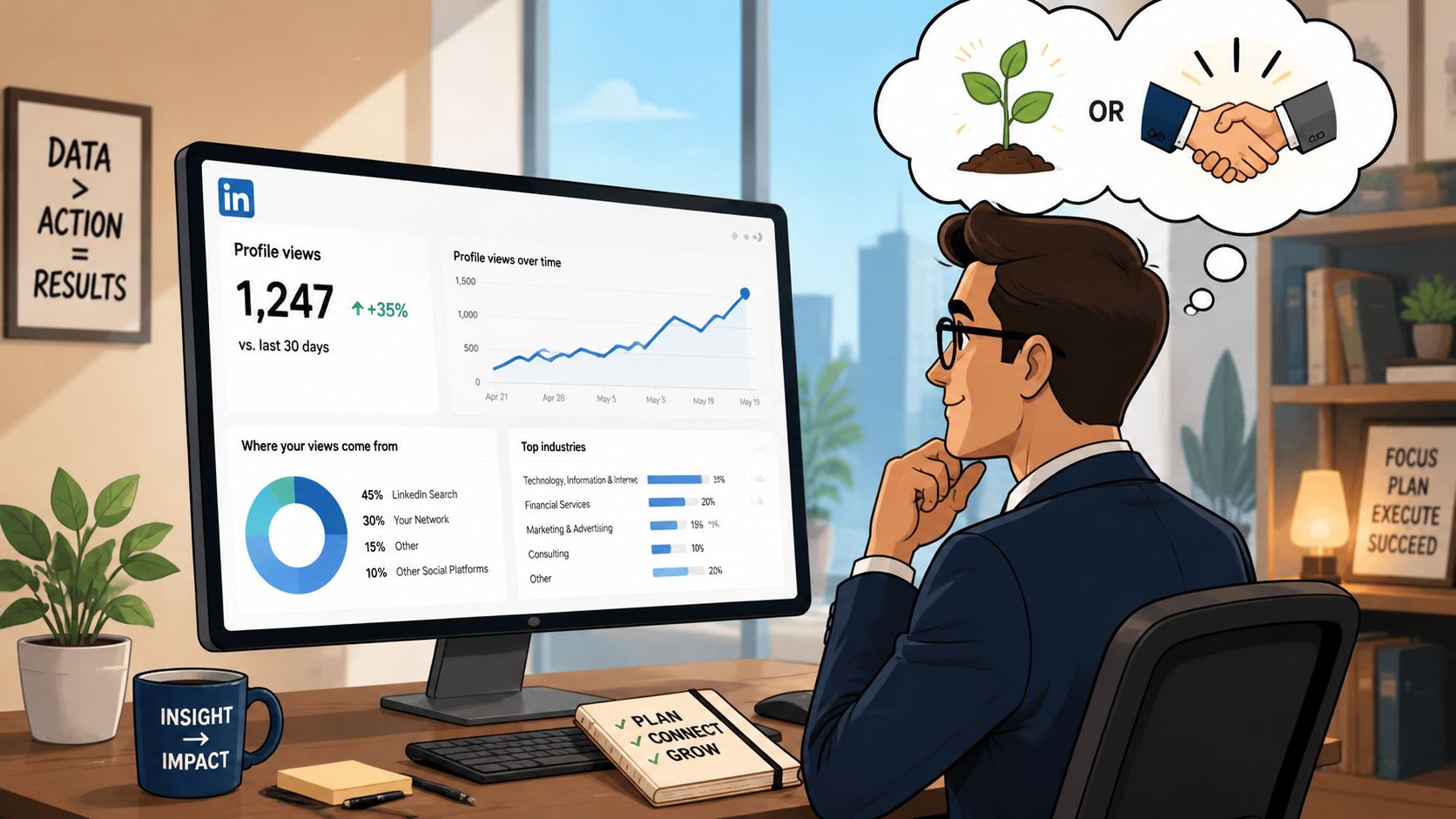
The strongest practical insight for free users is that the visible list may be small, but it's often useful. Hooktide argues that the limited top 5 viewers on a free account often represent the warmest, highest-intent leads, such as recruiters or potential clients who just researched the profile. That makes the free list a strategic filter rather than only a limitation, as explained in this article on LinkedIn profile view visibility.
That changes the way you should work the list. Don't complain first. Prioritize first.
A recent viewer is worth attention when they match one or more of these conditions:
- They fit your target market. The company, role, or function is relevant.
- They can influence an opportunity. Think hiring manager, founder, operator, recruiter, partner.
- There's visible overlap. Shared niche, mutual contacts, adjacent problem set, similar audience.
If none of those are true, log the view mentally and move on.
A simple follow-up system
Use a lightweight process instead of improvising each time.
Check for context
Look at their role, company, recent activity, and mutuals. You're trying to answer one question. Why might they have looked?
Decide the lane
Is this a sales opportunity, a networking opportunity, a hiring opportunity, or just background noise? Don't mix lanes.
Send a low-pressure message
Avoid “I saw you viewed my profile.” That line can work, but often feels transactional. It's better to anchor on relevance.
Reference a real connection point
Mention a shared market, recent post, mutual contact, or problem space.
Move toward a next step
Not always a meeting. Sometimes it's just a connection request, a short reply, or a useful resource.
Here's the tone that tends to work:
Saw your background in B2B SaaS and thought it made sense to connect. I work on growth positioning in a similar space and enjoyed your perspective on demand generation.
That message doesn't force the profile-view event into the spotlight, but it still capitalizes on the timing. If you want a better system for outreach after someone shows interest, study a practical LinkedIn DM outreach strategy guide.
What doesn't work:
- Calling out the view too aggressively
- Sending a pitch in the first message
- Pretending every viewer is a hot lead
- Following up with no context
Who viewed my profile on LinkedIn becomes useful when you pair it with judgment. The viewer list is not your strategy. It's a shortlist of people who may already be leaning in.
How to Attract the Right Viewers to Your Profile
The easiest way to get more profile views is to post more. The best way to get better profile views is to earn attention from the right audience.
That's why a comments-first approach works so well for B2B operators, founders, and job seekers. Good comments sit in front of an audience that already cares about a topic. You don't need to build all the reach yourself. You can borrow attention from a live conversation and redirect a slice of that attention back to your profile.
Comments create intent-rich traffic
A strong comment does three jobs at once. It shows expertise, creates familiarity, and gives people a reason to inspect your profile.
This works better than passive profile optimization alone because it puts your name in front of active readers. In most niches, that traffic is more relevant than random feed exposure.
Here's what a comments-first workflow looks like in practice:
- Choose visible conversations. Comment where your target audience already spends time.
- Add a point, not applause. “Great post” gets ignored. A sharp observation or useful disagreement gets clicks.
- Stay close to your positioning. If you want buyers or recruiters to visit, comment on topics that reinforce what you want to be known for.
- Repeat consistently. One comment can spark a spike. Repetition shapes audience memory.
Good profile views come from earned curiosity. Someone reads your take, decides you might know what you're doing, and clicks.
There's also a broader platform shift behind this. LinkedIn's privacy policy now automatically opts users into having their personal writing and engagement data used to train AI models unless they manually opt out, according to LinkedIn's own policy explanation around generative AI improvement. That matters because it shows how normal AI-assisted engagement has become across the platform itself.
Profile optimization still matters
Comments drive the visit. Your profile converts the visit.
If the profile is weak, even strong traffic won't help much. Before you worry about who viewed my profile on LinkedIn, tighten the page they land on.
Use this checklist:
| Profile element | What a visitor decides fast |
|---|---|
| Headline | Is this person relevant to me |
| Photo and banner | Do they look credible and current |
| About section | Can they explain what they do clearly |
| Featured section | Is there proof, work, or thinking worth exploring |
A deeper LinkedIn profile optimization guide helps if your profile gets clicks but not replies.
And if you want to grow LinkedIn while you sleep, the key lever is not checking analytics more often. It's building a repeatable engine that creates qualified profile visits through consistent engagement. That's the logic behind Linqin signup, especially for people who want audience growth without manually living in the comment feed every day.
Frequently Asked Questions About Profile Views
Why did my profile views drop
Usually because one of your inputs changed. You posted less, commented less, engaged in weaker conversations, or shifted into topics that don't pull qualified curiosity. Profile views are a lagging signal, so drops often follow quieter activity or less relevant visibility.
Another common reason is audience mismatch. You may still be active, but your content isn't attracting people who feel compelled to click through.
Can I see viewers who are not connected to me
Yes, if LinkedIn shows them in your viewer list and they weren't browsing anonymously. Connection status doesn't block visibility by itself. Privacy settings do.
If someone used Private Mode, LinkedIn won't reveal who they are.
Do job-related views look different
Sometimes the visible information gives you clues through title, function, or company context. A recruiter, hiring manager, or someone at a target company may be obvious from the label attached to their profile.
What matters more is your response. If the viewer is relevant, tailor your profile and any outreach around the role or company context instead of sending a generic note.
Can I see viewers from more than 90 days ago
Not through the standard profile-view history covered earlier. The working assumption should be that older individual viewer visibility is not something you can rely on inside the normal feature.
That's one reason recent profile views are more actionable anyway. Fresh interest is easier to connect to a post, comment, search, or conversation that happened lately.
Is Premium worth it just for profile views
It depends on how you use the data. If you're actively prospecting, hiring, job searching, or analyzing audience patterns, more complete visibility can help. If you won't act on the extra information, the upgrade won't create outcomes on its own.
A lot of people would get more value from better positioning and better engagement than from accessing a longer viewer list.
Should I message every person who viewed me
No. Relevance first.
Message the people who fit your goals. Ignore the rest. A selective response strategy keeps your outreach credible and your time focused.
If you want to grow LinkedIn while you sleep, use Linqin. It helps turn consistent LinkedIn engagement into profile visits, warm leads, and measurable momentum without needing to spend your day manually hunting for the right conversations.