You're probably in one of three situations right now. You want more reach on LinkedIn, you need more pipeline from LinkedIn, or you're tired of doing the same repetitive work inside LinkedIn by hand.
That's why chrome LinkedIn extensions matter. The good ones remove friction inside the browser where the work already happens. They help you comment faster, write better posts, reveal contact data, push prospects into a CRM, or automate pieces of outreach that would otherwise eat your day. The bad ones create noise, duplicate other tools in your stack, or push you toward risky behavior that can hurt account health.
A common mistake is choosing by feature list. That usually leads to overlap. A better way is to choose by job-to-be-done. If your problem is audience growth, you need a different extension than a rep who needs verified emails on profile pages. If your problem is post formatting, a scraping tool won't help you.
Below is a practitioner's view of the best chrome LinkedIn extensions grouped by what they do well. Some are built for growth and content. Some are built for sales and outreach. Some are lightweight productivity layers that make LinkedIn less annoying to use.
Table of Contents
- 1. Linqin
- 2. AuthoredUp
- 3. Taplio
- 4. Apollo.io
- 5. Lusha
- 6. ZoomInfo ReachOut
- 7. ContactOut
- 8. Evaboot
- 9. Dux-Soup
- 10. Superpowers for LinkedIn
- Top 10 Chrome LinkedIn Extensions: Feature Comparison
- Final Thoughts
1. Linqin
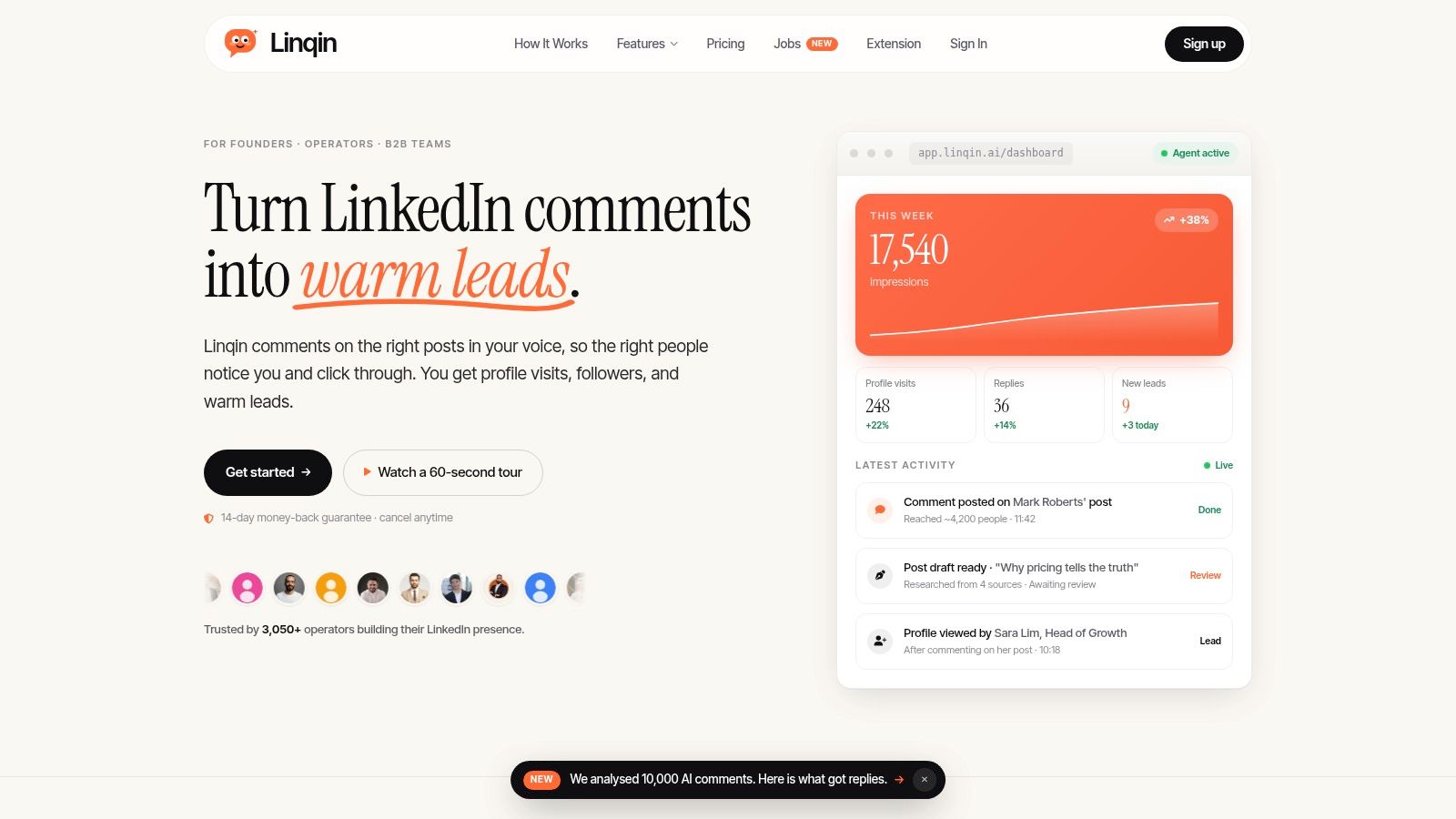
Most chrome LinkedIn extensions focus on extraction, writing assistance, or automation. Linqin is different because it's built around growth. The core bet is simple. You grow faster by showing up in the right conversations than by only publishing on your own feed and hoping distribution appears.
Linqin's AI Comment Agent reads full posts in your niche, drafts value-adding or question-based comments in your voice, and helps turn the people who engage into tracked warm leads. That matters because there's a real gap in the market around ethical audience growth through comments-first engagement, not just scraping and outreach. Linqin leans into that gap with a strategy built around engaging on visible posts in a way that still feels human.
Why Linqin stands out
It's not just a comment button. You also get an AI Post Generator that drafts researched posts in your tone, a Viral Library for remixing proven examples, Brand Voice training, inline edits through the extension, and employee advocacy workflows for teams. If you're trying to build founder-led growth or get a sales team posting consistently, that combination is hard to replace with separate tools.
The product also emphasizes measured activity over spammy automation. Its positioning centers on official API usage, rate limits, spacing, and optional draft review before publishing. That's a smarter posture than the usual “do more actions faster” playbook.
Practical rule: If your main problem is visibility, choose a growth tool that creates conversations. If your main problem is list building, choose a data tool. Don't buy a scraper and expect it to build a brand.
For teams that care about proof, Linqin says it's trusted by 3,050+ operators, with plans starting at $17/month on Linqin. It also presents median lifts and exported analytics examples on-site, plus a 14-day money-back guarantee and cancel-anytime billing. Credits renew monthly, with 2 credits per comment and 5 per post, so heavy usage needs a plan.
Best fit and trade-offs
Linqin is strongest for founders, growth operators, marketing leaders, sales leaders building a personal brand, employee advocacy teams, and job seekers trying to surface recruiter interest. It's less of a fit if all you want is direct dials or raw email extraction. That's not the job.
Two trade-offs matter. First, credit-based pricing rewards focused use, not endless content volume. Second, voice adaptation still benefits from initial setup and review. The upside is better control and less generic output.
If you want to tighten the foundation before adding an agent, this LinkedIn profile optimization guide is the right prep step.
2. AuthoredUp
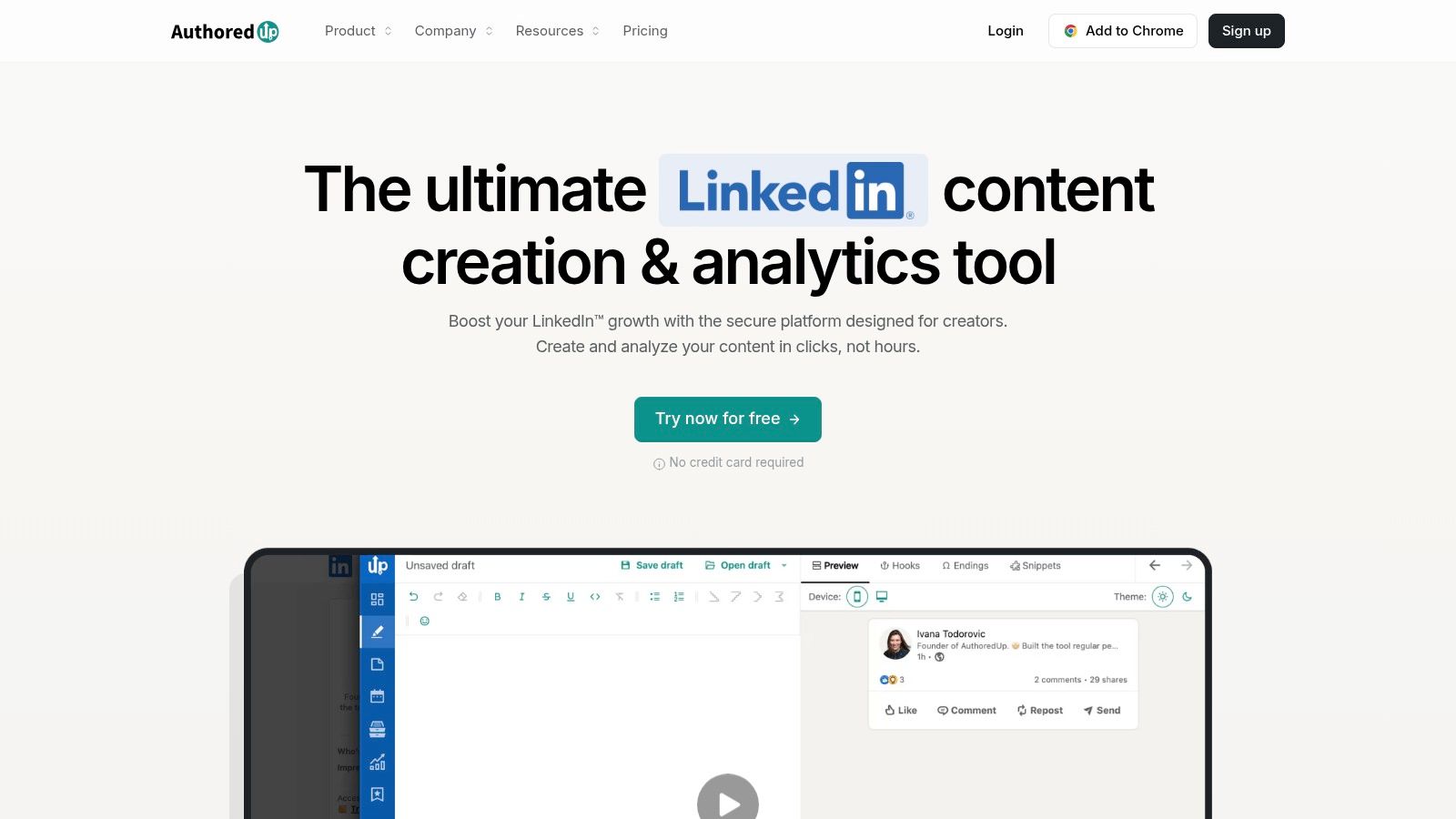
AuthoredUp is what I'd call a writing-first extension. It lives inside the LinkedIn composer and improves the actual act of posting. That sounds basic until you've lost time rewriting hooks, checking formatting, and trying to preview how a post will look before it goes live.
This is a good fit for people who still want to write their own content but want a cleaner workflow. The value isn't automation. It's fewer small frictions.
Where it fits
AuthoredUp is strongest when your bottleneck is consistency. You need a better editor, a hooks library, a place to save drafts and snippets, and light analytics after publishing. For solo creators and operators who write from inside LinkedIn, that's enough.
Its biggest advantage is compliance posture. It positions itself around content creation rather than automated engagement. If you're careful about LinkedIn account risk, that matters.
- Best for creators: Clean drafting, formatting, and previews directly in LinkedIn.
- Best for teams with content review: Shared workflows on business plans help keep messaging more consistent.
- Not ideal for prospecting: There's no lead database, no enrichment layer, and no contact-finding motion.
The downside is obvious. AuthoredUp won't help you find buyers, reveal contact info, or move leads into outreach. It's a creator tool, not a sales motion. Visit AuthoredUp if content polish is your main problem.
3. Taplio
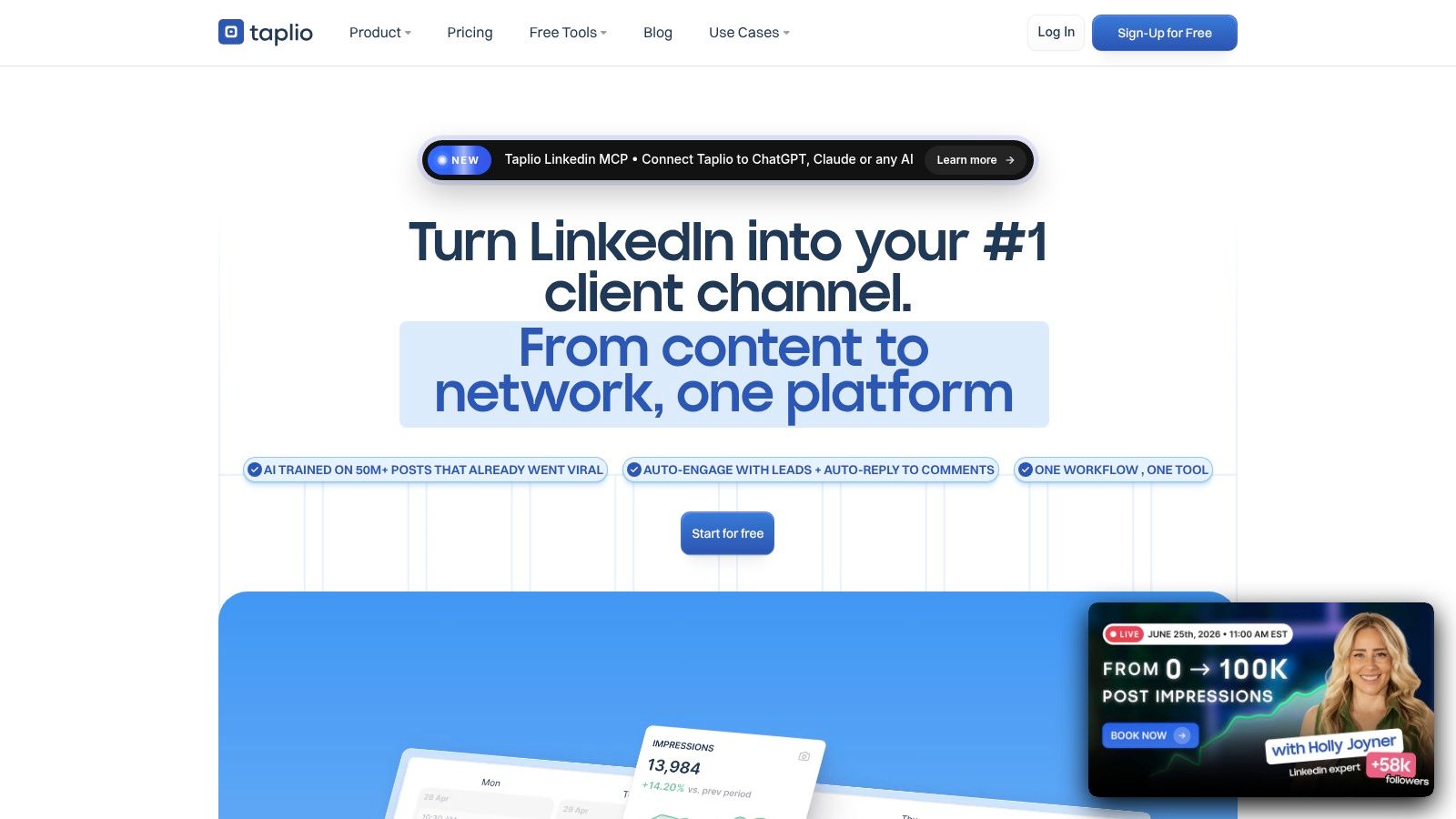
Taplio sits in the middle ground between creator software and engagement software. That's why people either love it or find it a bit much. It tries to cover ideation, writing, scheduling, analytics, and some in-feed assistance through its extension.
If you want one environment for content operations, Taplio is a credible option. If you only need one narrow fix, it may feel heavier than necessary.
What it does well
Taplio makes sense for founders and marketers who need help turning rough ideas into a reliable publishing system. The extension supports quick in-LinkedIn actions, while the broader platform handles scheduling, libraries, and AI-assisted drafting.
A lot of teams choose it because it reduces context switching. Instead of bouncing between a docs tool, LinkedIn, and another scheduler, you keep more of the workflow in one place.
Taplio is strongest when the problem is “we know we should post more, but the system is messy.”
The trade-off is that broad platforms need tighter settings. AI replies, engagement helpers, and any quasi-automation features should be used carefully. If your tone already sounds polished and human, the extra layer helps. If not, it can make content feel more templated than intended.
For founders building a real publishing rhythm, this LinkedIn content strategy guide for founders complements the tool well. The product site is Taplio.
4. Apollo.io
Apollo.io is one of the clearest sales-use-case chrome LinkedIn extensions on the market. It overlays verified contact data while you browse LinkedIn and lets you move prospects directly into lists and outreach sequences without leaving the page.
That matters because the operational win isn't just finding an email. It's reducing the lag between discovery and follow-up. Apollo combines profile-level data access with sequencing and CRM movement in one workflow, which is exactly what an SDR or AE wants.
Why sales teams use it
The practical appeal is speed. Apollo's extension workflow is designed to extract emails, phone numbers, and company info while browsing LinkedIn, then push leads into multi-step outreach without forcing a separate export or manual handoff.
That fits a broader pattern in this category. Chrome extensions solve the gap that official API integrations often can't, because they inject data directly into the workflow without waiting on API scoping or polling. For browser-first prospecting, that's a big reason reps prefer extensions over standalone desktop tools.
- Strongest use case: Reps prospecting directly from LinkedIn into email and call workflows.
- Biggest advantage: Prospecting and activation happen in one motion.
- Main caution: Credit models and seat costs can become a planning issue as usage grows.
Apollo is best when you need a practical SDR stack, not just raw data. If your team spends a lot of time identifying someone on LinkedIn and then doing the rest elsewhere, Apollo removes that gap. This LinkedIn lead generation strategy guide is useful if you want to build the surrounding process, not just install the tool. Product site: Apollo.io.
5. Lusha
Lusha is popular for one reason. It's fast. If you want a simple reveal workflow for business emails, direct dials, and company data on LinkedIn or Sales Navigator, it does that job without much ceremony.
That simplicity is its edge. Not every rep wants a full prospecting platform.
The practical trade-off
Lusha is good for targeted lookup. You're on a profile, you want contact data, and you want to move on quickly. It also helps when a team prefers simple CRM exports over building everything inside one larger sales suite.
The trade-off is that lookup tools can become expensive if your workflow turns high volume. They feel lightweight at first because the UX is clean. The cost pressure shows up later when the whole team starts relying on them for phone-heavy outreach.
Quick reveal tools are best for focused prospecting. They're weaker as a system of record.
Another thing I like is that Lusha visibly leans on compliance positioning in its product marketing. That won't replace internal review, but it's relevant for teams that care how their vendors frame privacy, security, and data handling. The website is Lusha.
6. ZoomInfo ReachOut
ZoomInfo ReachOut is less about the extension itself and more about whether you're already inside the ZoomInfo ecosystem. If you are, the Chrome layer is useful because it brings company and contact data into LinkedIn, company sites, and CRM workflows without making reps bounce between tabs.
If you aren't already committed to SalesOS, ReachOut is harder to justify as a standalone browser decision.
When it makes sense
This is usually an enterprise pick. The extension works best when your team already depends on ZoomInfo data, account research, routing, and sequences. In that setup, ReachOut becomes the in-browser shortcut for the system you already run.
The upside is workflow continuity. Research a prospect, push them into the next step, and keep moving. The downside is pricing and complexity. Quote-based enterprise software is rarely the cheapest answer to a browser-level problem.
- Best for existing ZoomInfo customers: It extends an ecosystem many enterprise teams already use.
- Less attractive for small teams: You're paying for much more than a browser add-on.
- Worth testing first: Extension performance can vary by browser environment and internal stack.
If your team is already standardized on ZoomInfo, use ReachOut. If not, decide whether you need enterprise data infrastructure or just a lighter LinkedIn overlay. Product site: ZoomInfo.
7. ContactOut
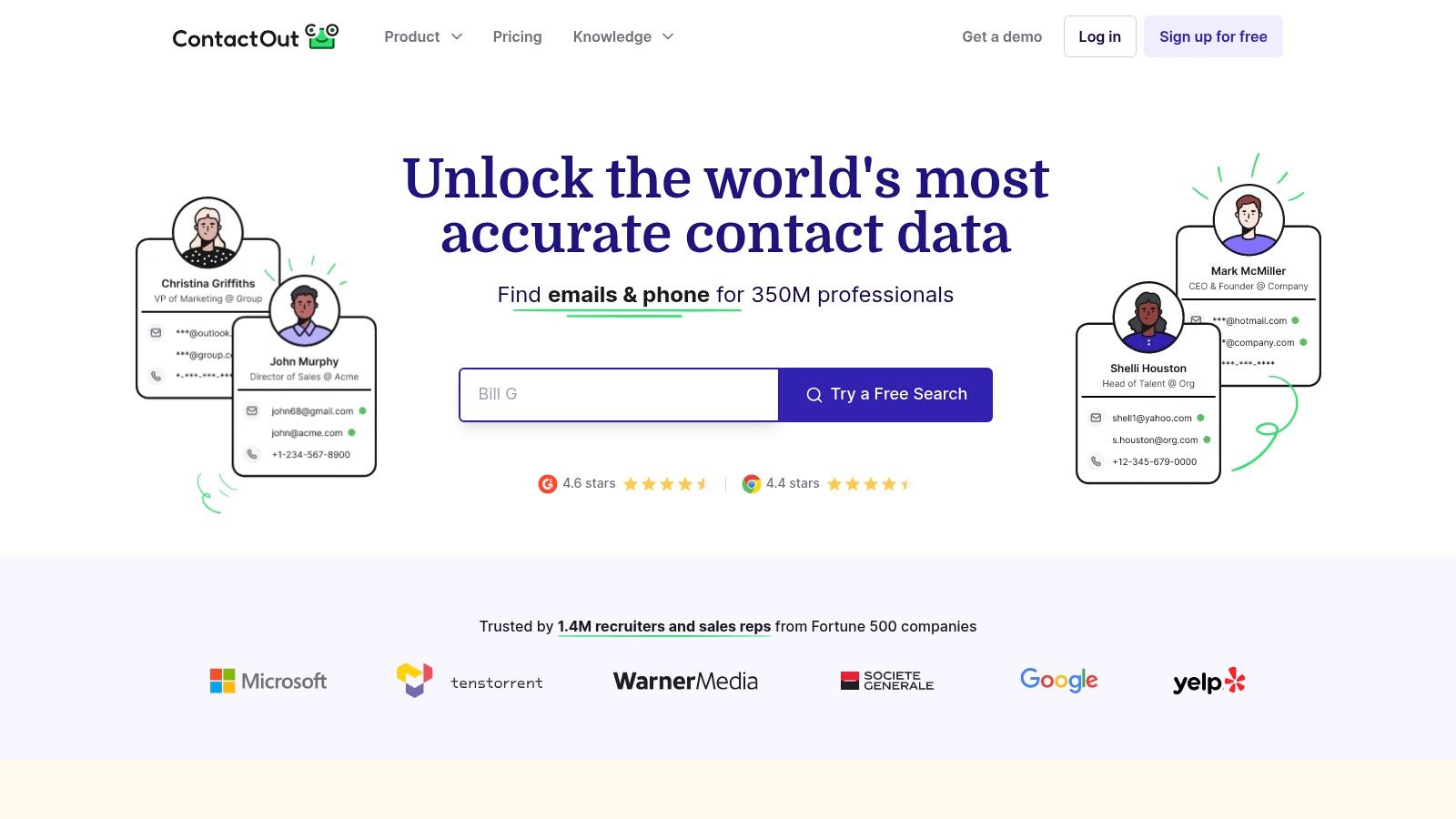
ContactOut has stayed relevant because it understands a very specific workflow. Recruiters and outbound sellers often start with a LinkedIn profile, not a company database. ContactOut fits that behavior better than tools built around broad prospecting suites.
It's LinkedIn-native in feel. That lowers ramp time.
Who gets value from it
Recruiters like it because the motion is obvious. Open profile, reveal contact data, save to list, export when needed. Sales reps like it for the same reason, especially when they aren't trying to run everything through one heavyweight platform.
It also supports bulk enrichment from LinkedIn URLs, which is useful when you've already assembled lists elsewhere but still want browser-based enrichment tied to profile identity.
- Best for recruiters: LinkedIn-first sourcing is where ContactOut feels most natural.
- Useful for lean outbound teams: It's easier to adopt than a full sales suite.
- Main downside: Pricing and coverage can become less predictable depending on plan and region.
This isn't the tool I'd choose for an integrated multichannel revenue system. It is a very reasonable choice when profile-based sourcing is the center of your work. Product site: ContactOut.
8. Evaboot
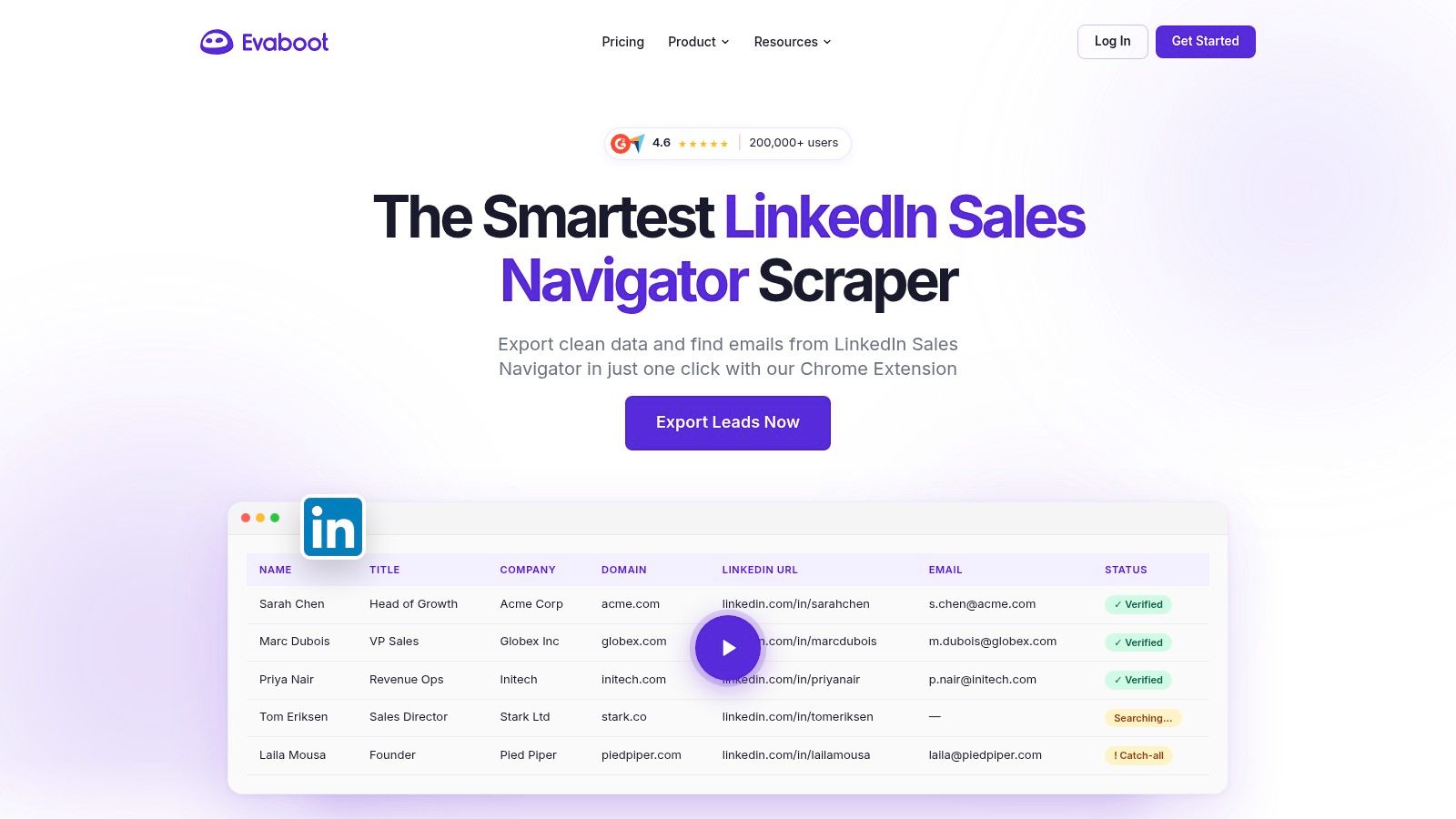
Evaboot is the specialist on this list. It's built for people who live inside Sales Navigator and want a faster path from filtered searches to usable lead lists.
That specialization is a strength. It doesn't try to be a creator tool or a broad automation suite.
Where it shines
If your workflow starts with Sales Navigator searches, Evaboot reduces the friction of turning those searches into cleaned lists with professional emails and exports. It's a list-building extension first.
The main caution is operational. Any scraping or export workflow needs restraint. That's not just a legal or policy question. It's also about keeping your process stable and avoiding behavior that creates unnecessary account stress.
A broader industry point matters here too. Browser extensions are often used because they can inject LinkedIn data directly into CRM or ATS workflows without relying on official API access. Unipile's analysis of LinkedIn Chrome extension integration describes this mechanical advantage well. That's exactly the gap Evaboot is trying to solve for Sales Navigator users.
For list-building teams, it's efficient. For everyone else, it's too narrow. Product site: Evaboot.
9. Dux-Soup
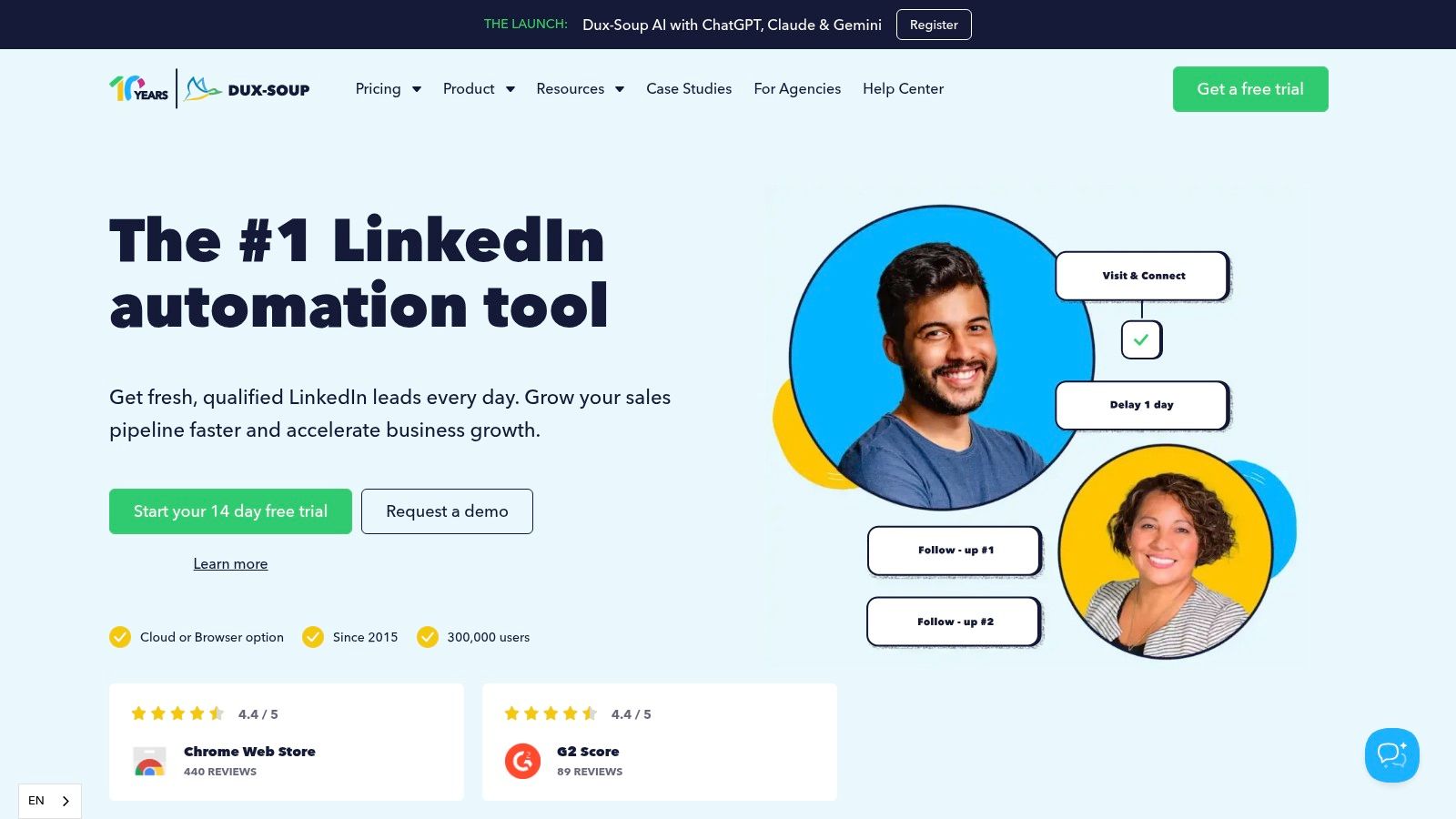
Dux-Soup has been around long enough that most sales operators have either tested it or worked with someone who has. It automates profile visits, connection requests, drip messaging, and related outreach steps from the browser.
That's the appeal. It turns repetitive outreach into a rule-based workflow.
Use with restraint
The value of Dux-Soup is control. You can tune sequences, delays, tags, exports, and CRM movement in a way that many lighter tools can't match. If you want a machine-like outbound process, it gives you one.
But this category needs a blunt warning. Aggressive LinkedIn automation carries account risk. There's also a legal and ethical gray zone across many browser tools, and most roundup content doesn't explain it well. One nuance worth noting is that LinkedIn customer support reportedly stated that “My Most Trusted” wasn't on the prohibited list, and legal experts cited in this Seamless.ai article on using the Seamless AI Chrome extension with LinkedIn described that specific tool as legal because it doesn't scrape data behind the scenes. That doesn't give every automation extension a free pass, but it does show why blanket statements are misleading.
Use automation for controlled repetition, not for pretending to be human at impossible scale.
If you use Dux-Soup, keep the cadence conservative and the targeting tight. Product site: Dux-Soup.
10. Superpowers for LinkedIn
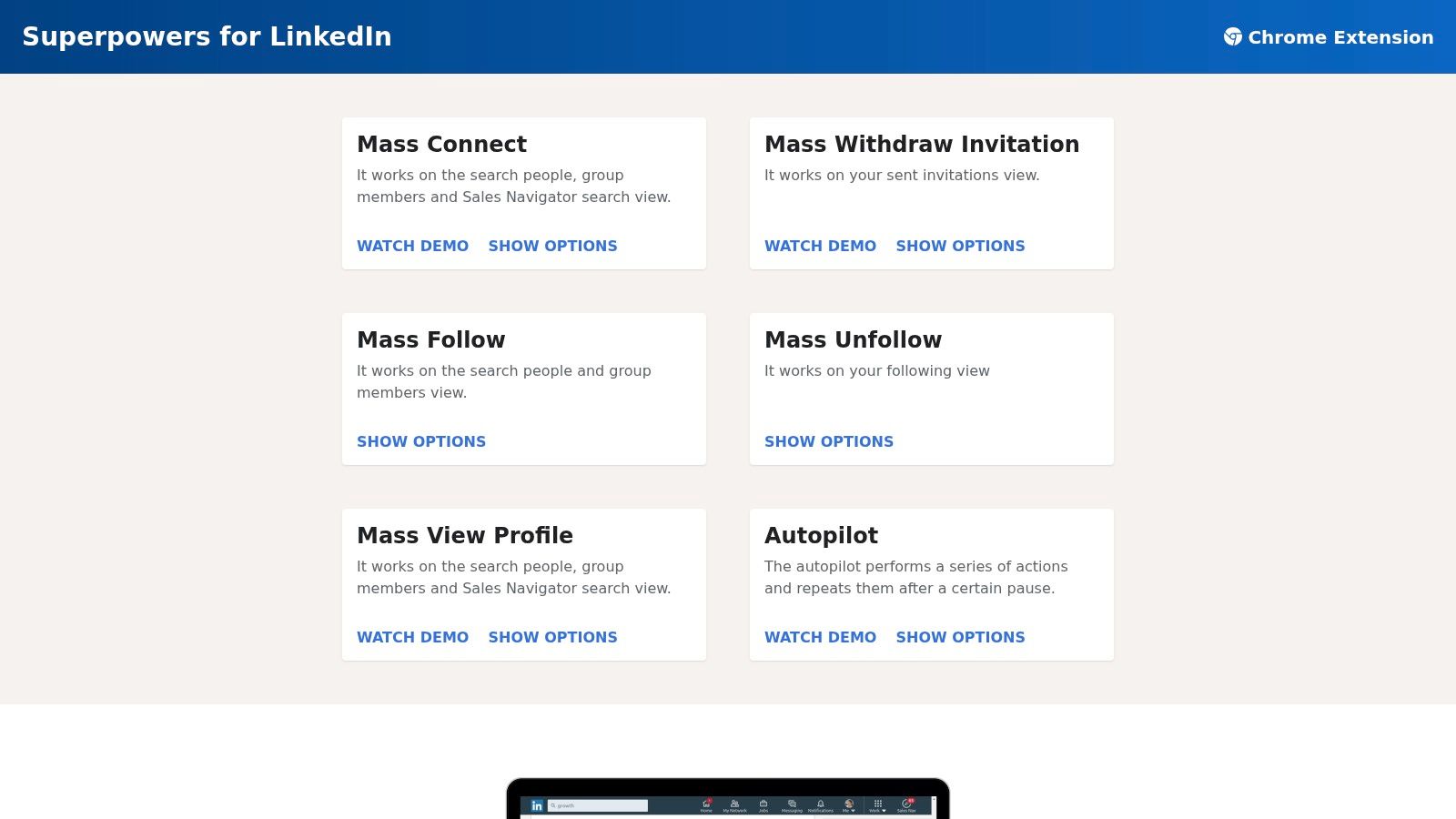
Superpowers for LinkedIn is the cheap utility knife in this list. It's not trying to be a growth platform, data provider, or content engine. It gives power users a faster way to do repetitive bulk actions like mass connect, mass withdraw, and mass profile view.
That narrow scope is why some people swear by it.
Best use case
This extension makes sense when you already know exactly what repetitive action you need help with. Maybe you clean up old invitations. Maybe you batch profile views. Maybe you need occasional autopilot for a specific admin task.
Its value is low-cost convenience, not strategic advantage. It won't improve writing, reveal contact data, or build a growth system. It just makes a few actions easier.
- Best for occasional bulk actions: Fast setup and simple controls.
- Not a full platform: You'll still need other tools for content, outreach, or CRM sync.
- Big caution: Bulk actions can still run into LinkedIn limits if you get careless.
This is a handy add-on, not a stack centerpiece. Product site: Superpowers for LinkedIn.
Top 10 Chrome LinkedIn Extensions: Feature Comparison
| Tool | Core focus ✨ | UX / Quality ★ | Pricing / Value 💰 | Best for 👥 | Standout 🏆 |
|---|---|---|---|---|---|
| 🏆 Linqin | AI comment agent + post generator + lead tracking | ★★★★★ measurable ROI & voice fidelity | 💰 From $17/mo; credit-based (2/comment, 5/post) | 👥 Founders, growth & marketing, sales leaders, teams, jobseekers | 🏆 Comments-first reach; ties actions to LinkedIn analytics; voice-trained agent |
| AuthoredUp | In-composer writing, hooks & scheduling | ★★★★ clean, LinkedIn-native editor | 💰 Low-cost, transparent plans | 👥 Creators & small teams | ✨ Non-automation stance; reusable hooks/snippets |
| Taplio | AI ideation → posting → engagement + extension | ★★★★ broad feature set for content workflows | 💰 Clear plans + trial | 👥 Solo founders → marketing teams | ✨ Chrome extension with AI replies & engagement queues |
| Apollo.io | Sales intelligence overlay + sequences | ★★★ solid SDR workflow & integrations | 💰 Credit/seat tiers (enterprise scaling) | 👥 SDRs, AEs, revenue teams | ✨ Verified contact overlays; add-to-sequence flow |
| Lusha | One-click contact reveal (email/phone) | ★★★★ fast hover-and-reveal UX | 💰 Free tier + credit packs | 👥 Reps needing quick phone/email lookups | ✨ Strong US/UK phone coverage; quick exports |
| ZoomInfo ReachOut | Enterprise contact & company data overlay | ★★★★ enterprise-grade research UX | 💰 Quote-based / premium | 👥 Enterprise sales teams on ZoomInfo | ✨ Deep SalesOS integrations; seamless add-to-outreach |
| ContactOut | LinkedIn-first email/phone finder + bulk enrich | ★★★ LinkedIn-native & recruiter-friendly | 💰 Free signup + trial credits; sales-assisted plans | 👥 Recruiters & outbound sellers | ✨ Bulk enrichment from LinkedIn URLs; simple exports |
| Evaboot | Sales Navigator one-click exports + verifier | ★★★★ fast, clean export workflow | 💰 Credit-based plans; scales with volume | 👥 List-builders using Sales Navigator | ✨ One-click CSV exports inside Sales Navigator; verifier |
| Dux-Soup | Browser-based LinkedIn automation & drip campaigns | ★★★ granular campaign controls; cloud mode | 💰 Transparent tiers (cloud/desktop options) | 👥 Users wanting rule-based outreach & automation | ✨ Drip campaigns, tagging, CRM integrations |
| Superpowers for LinkedIn | Mass connect/withdraw/profile view utility | ★★★ lightweight & easy to use | 💰 Free + very low-cost PRO | 👥 Power users needing bulk actions | ✨ Extremely low-cost PRO; simple mass-action controls |
Final Thoughts
The right chrome LinkedIn extensions depend on the bottleneck you're trying to remove.
If your goal is growth, the category is thinner than commonly expected. Many tools say they help with LinkedIn growth, but what they really do is automate outreach or speed up writing. That's useful, but it isn't the same thing as building audience, visibility, and inbound demand. Linqin stands out because it treats comments as a growth channel, not an afterthought. That's strategically different from tools that mainly optimize feed posting or direct prospecting.
If your goal is sales and outreach, Apollo.io, Lusha, ContactOut, Evaboot, and ZoomInfo ReachOut sit in clearer roles. Apollo is strong when you want LinkedIn browsing to flow directly into sequences and CRM movement. Lusha is a fast reveal tool. ContactOut is especially practical for profile-first sourcing. Evaboot is for Sales Navigator list builders. ZoomInfo ReachOut makes sense when your company already runs on ZoomInfo.
If your goal is productivity, AuthoredUp and Superpowers for LinkedIn solve narrower problems well. AuthoredUp improves the writing environment. Superpowers handles a few repetitive actions cheaply. Dux-Soup belongs in its own category because it offers serious automation power, but it also demands the most caution.
One other consideration matters more now than it used to. Privacy and account safety aren't side issues. In Fairlinked e.V.’s BrowserGate report, LinkedIn was reported to inject hidden JavaScript that detected exactly 6,236 browser extensions and linked collected device data to identifiable user profiles, as covered by BleepingComputer's report on LinkedIn scanning more than 6,000 Chrome extensions. If you're installing several tools, that context should make you more selective.
Even LinkedIn's own browser tool shows how established this category has become. The official LinkedIn Chrome extension listing in the Chrome Web Store shows over 200,000 users and a 4.3 rating from 373 reviews. Extensions are no longer a fringe workflow. They're standard operating gear for a lot of professionals.
The winning stack usually isn't ten tools. It's two or three that solve different jobs without overlap. One for growth or content, one for sales execution, and maybe one lightweight utility layer. Anything beyond that should earn its place.
If you want to grow LinkedIn while you sleep, sign up for Linqin. It's the most differentiated option here for turning daily LinkedIn engagement into a repeatable growth system instead of another manual task list.